Coaches · 2 min
Reuse sessions with event templates
Save the sessions you plan every week once, then drag them into the calendar instead of filling in the form again.
Updated October 23, 2026
Most training weeks look much the same: speed on Monday, strength on Tuesday, tempo runs on Thursday. Instead of filling in the same form every week, save these sessions as event templates and drag them into the calendar.
Create a template
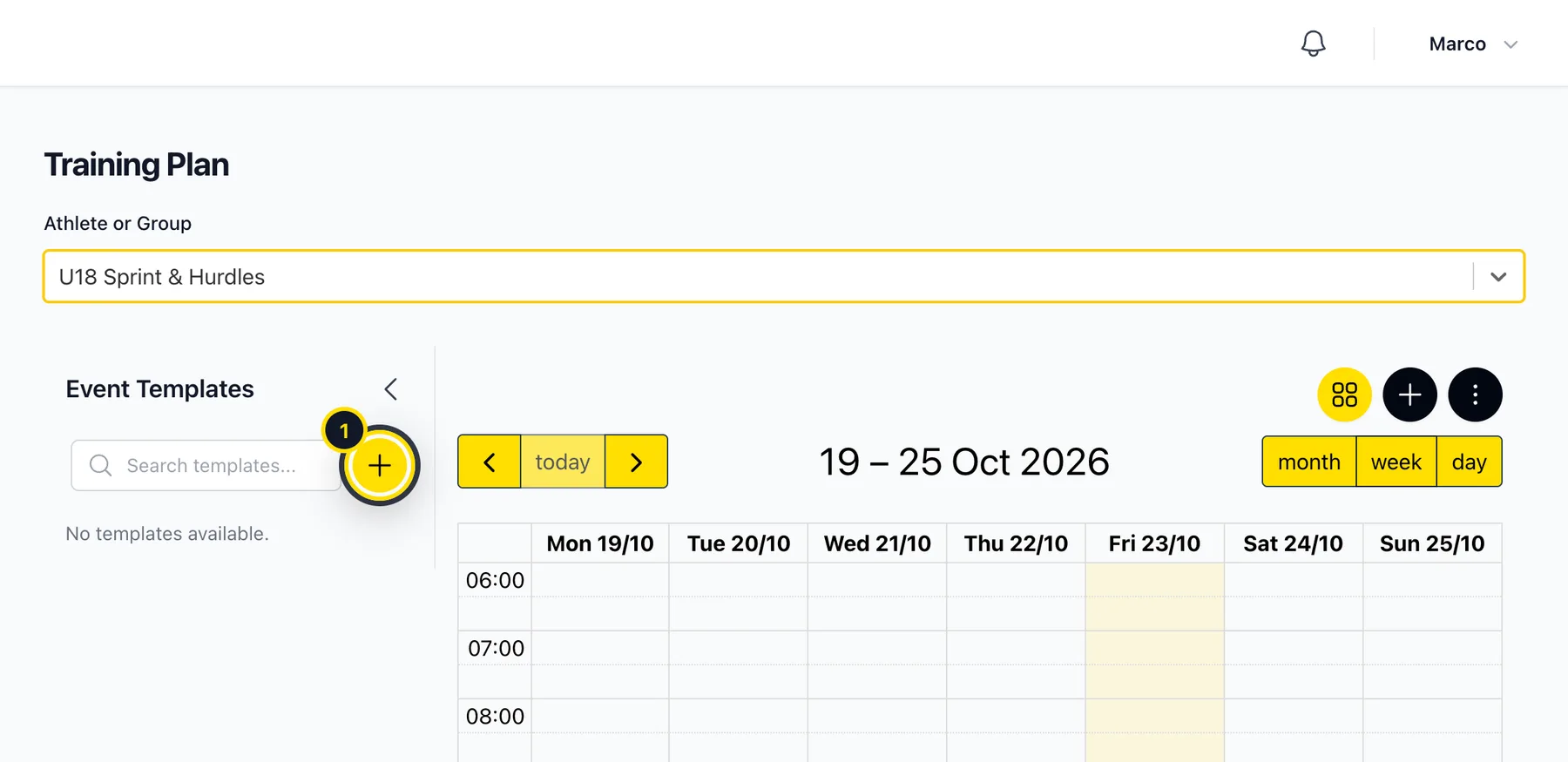
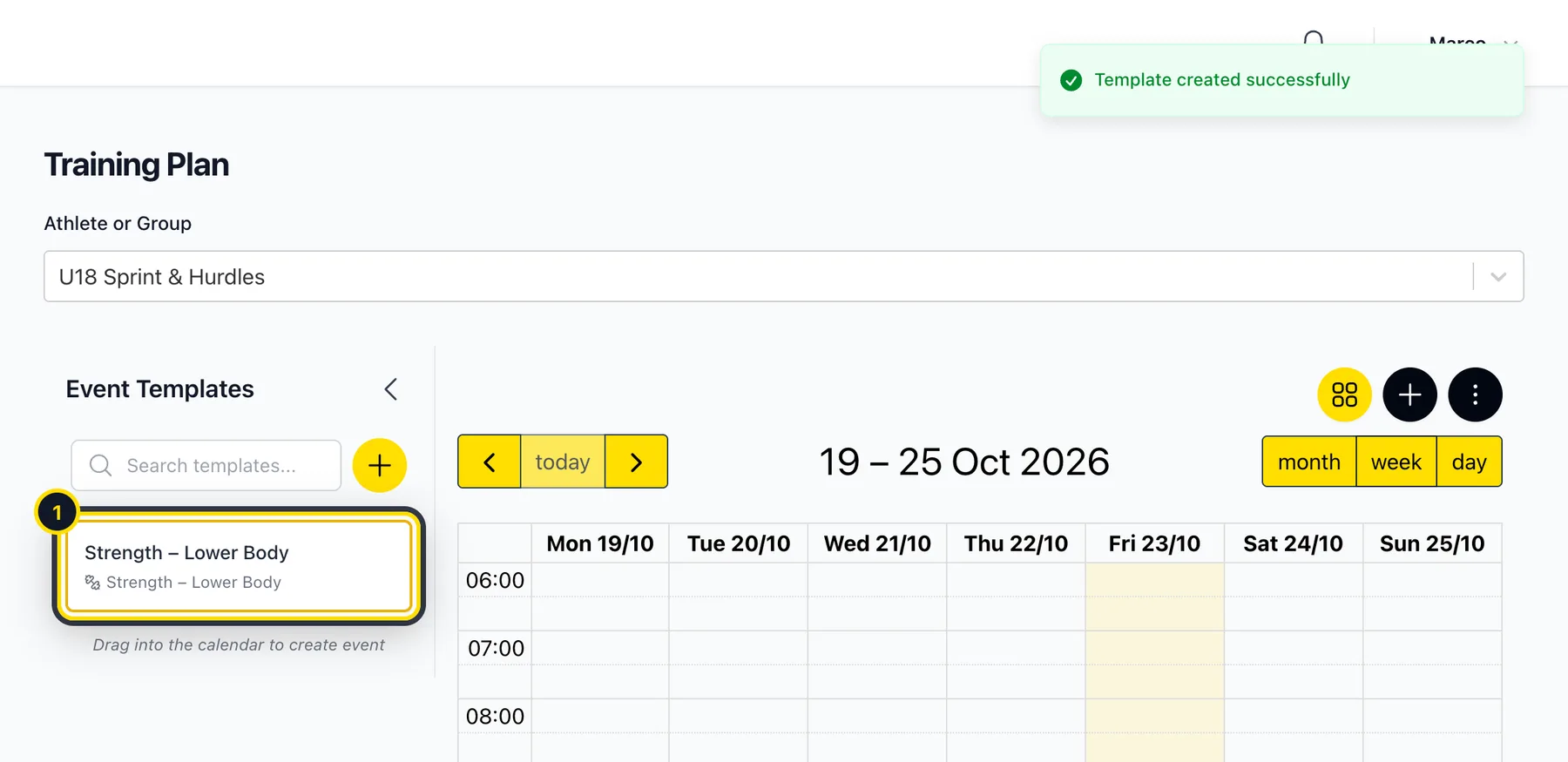
In Training → Training Plan you'll find Event Templates on the left. Click the yellow + (1).
Fill it in like a normal session
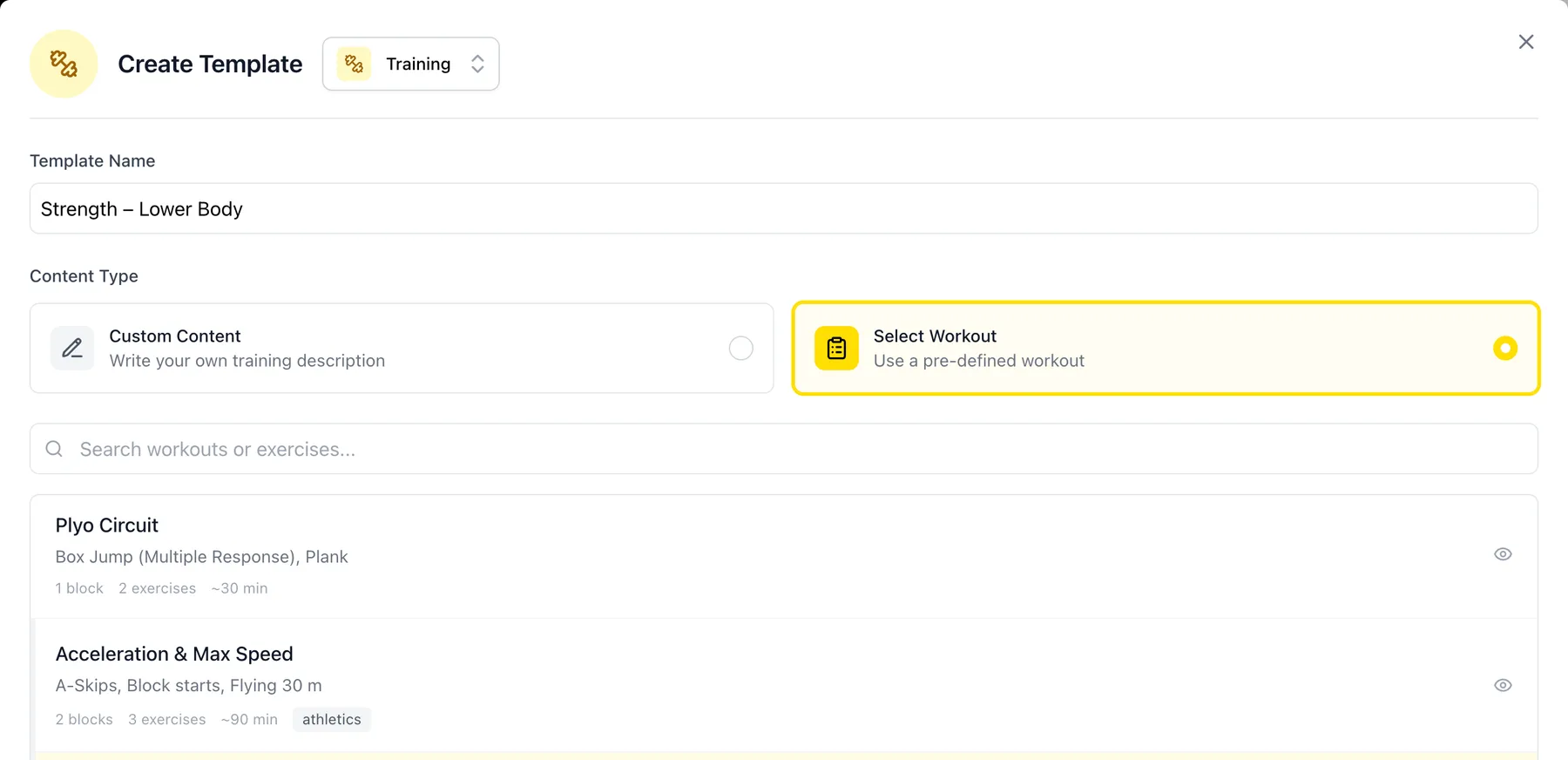
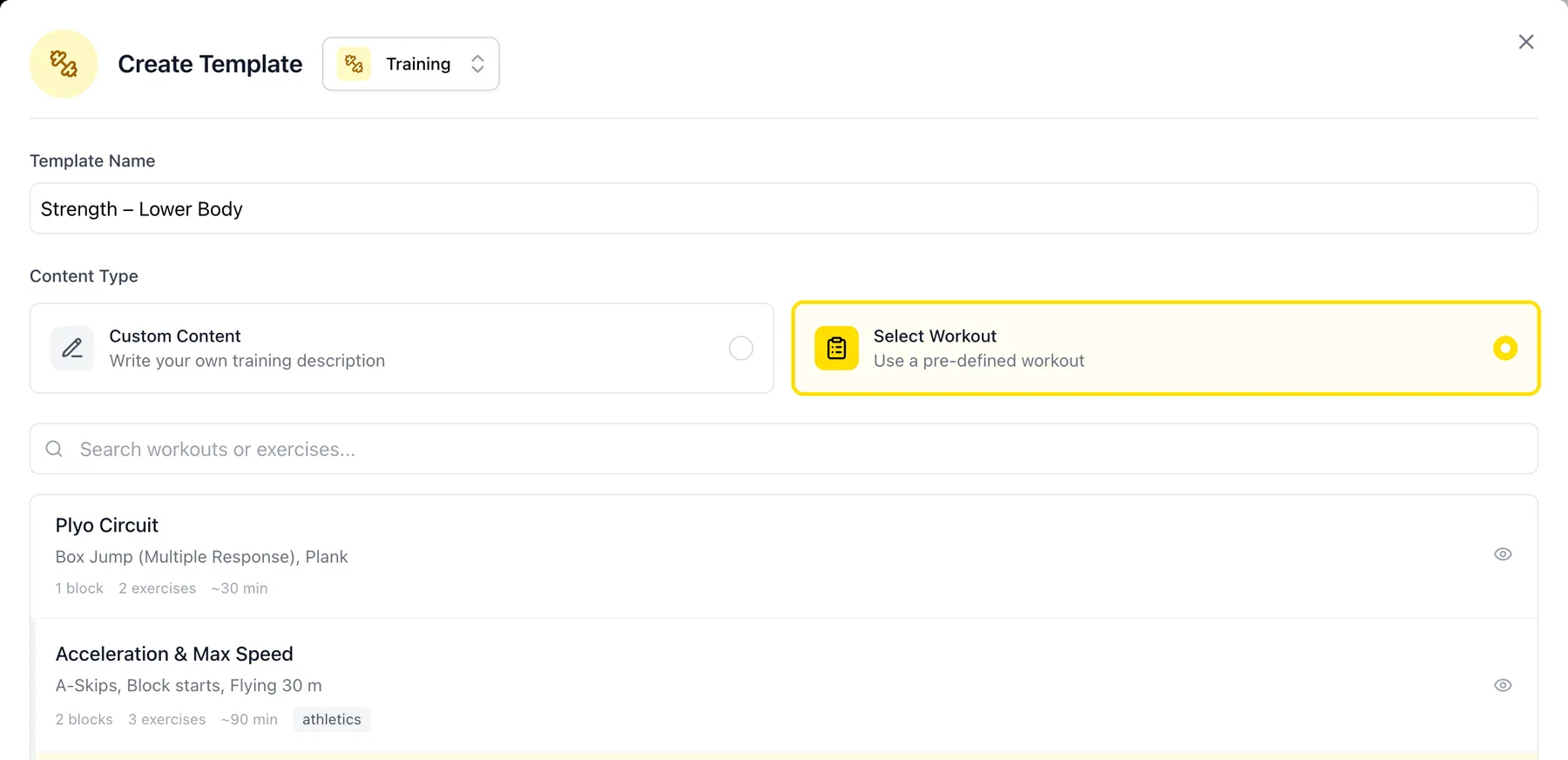
Choose the type at the top, give the template a name and add the content: your own text or one of your workouts. Training and competition templates also keep tags and the location. Then click Create.
Drag it into the calendar
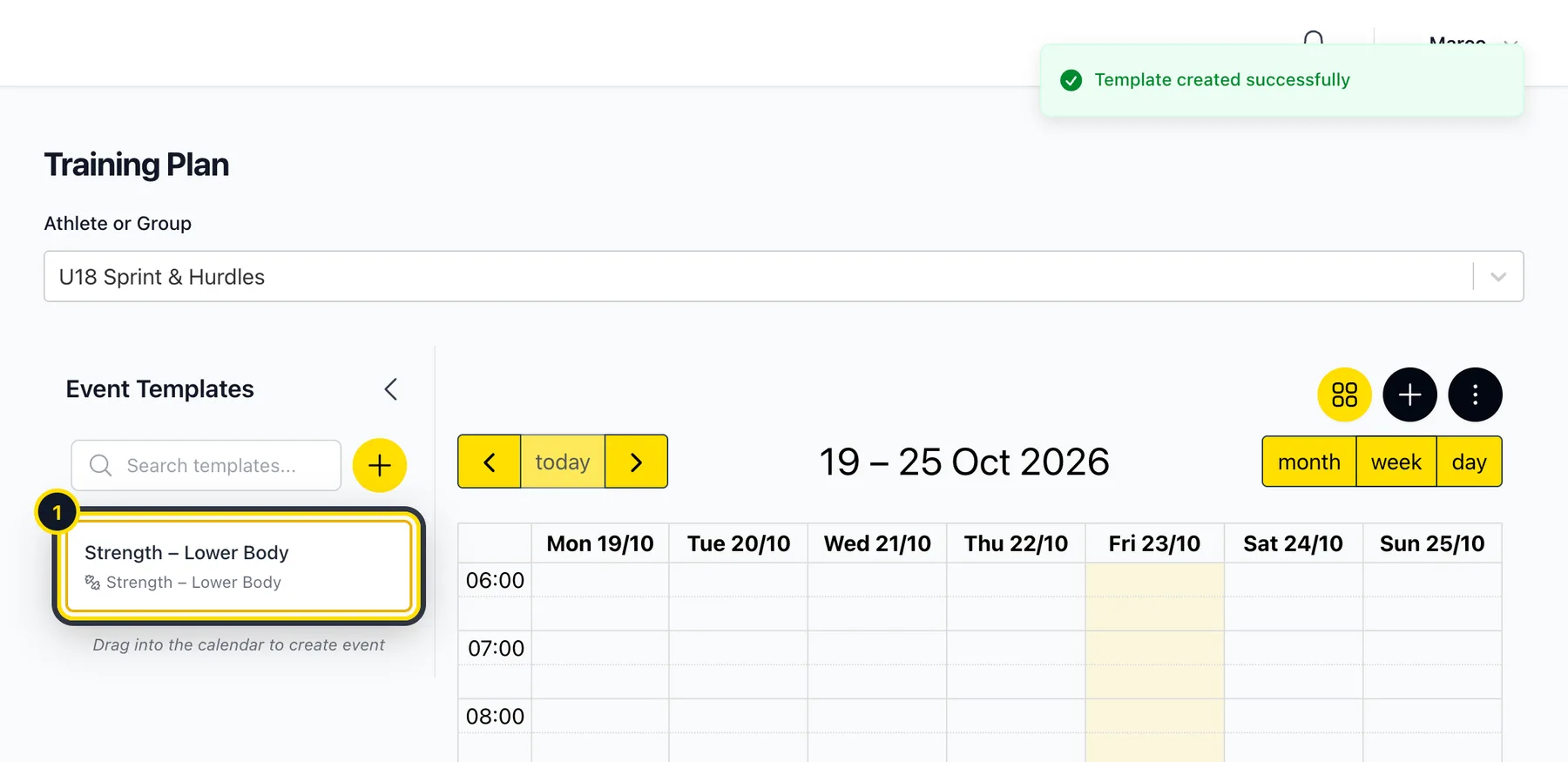
Drag the template onto the day and time you want. Athlog creates the session for the athlete or group you've selected, with everything from the template.
Good to know
- Your templates are only visible to you. Every coach has their own.
- Changing a template doesn't change sessions you've already planned with it.
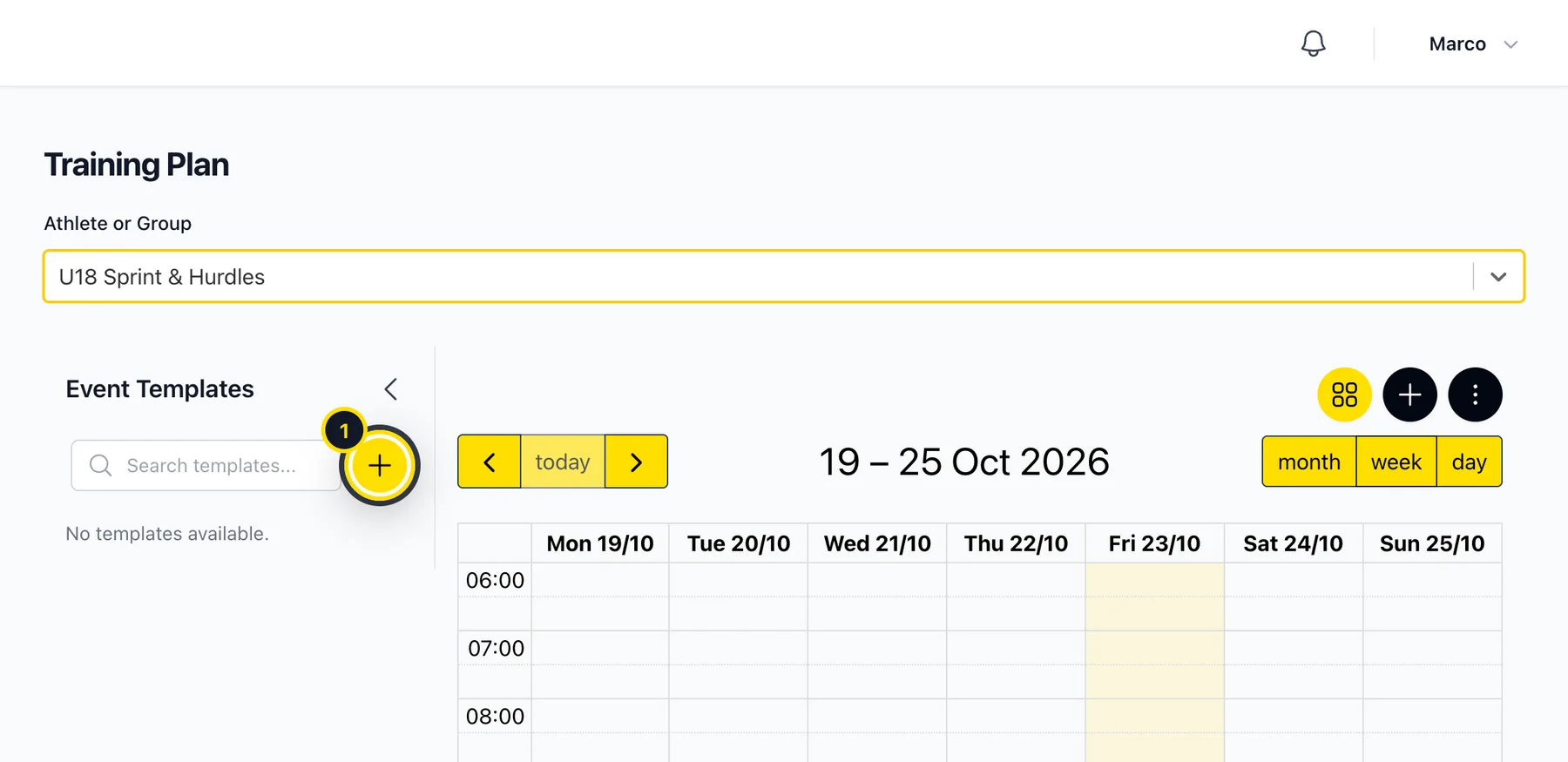
- Need more space for the calendar? Collapse the template list with the arrow.
Didn’t find what you were looking for?
Send us an email. We usually reply the same day.