Coaches · 4 min
Set up your club on Athlog
Bring your whole club onto Athlog: create an organization, invite your athletes and coaches, and manage licenses.
Updated October 23, 2026
If you're bringing a whole club onto Athlog, set it up as an organization. Your athletes then don't have to pay anything themselves, everyone is connected automatically, and your coaches can share groups, exercises and workouts.
| Without an organization | With an organization | |
|---|---|---|
| Athletes | Pay for their own subscription after a 14-day trial | Covered by the club's license |
| Connections | Each athlete invites each coach | Everyone in the club is connected automatically |
| Groups | Only your own | Shared with your club's coaches |
| Exercises and workouts | Your personal library | Plus a shared club library |
What it costs: 40 CHF per athlete per year, billed yearly. Coaches don't need a license. If you'd like to pay by invoice, or your club has more than 50 athletes, email us at info@athlog.app.
Create the organization
Open Team → Organization
Go to Team and open the Organization tab. If you're not part of an organization yet, you'll see what's included and what it costs.
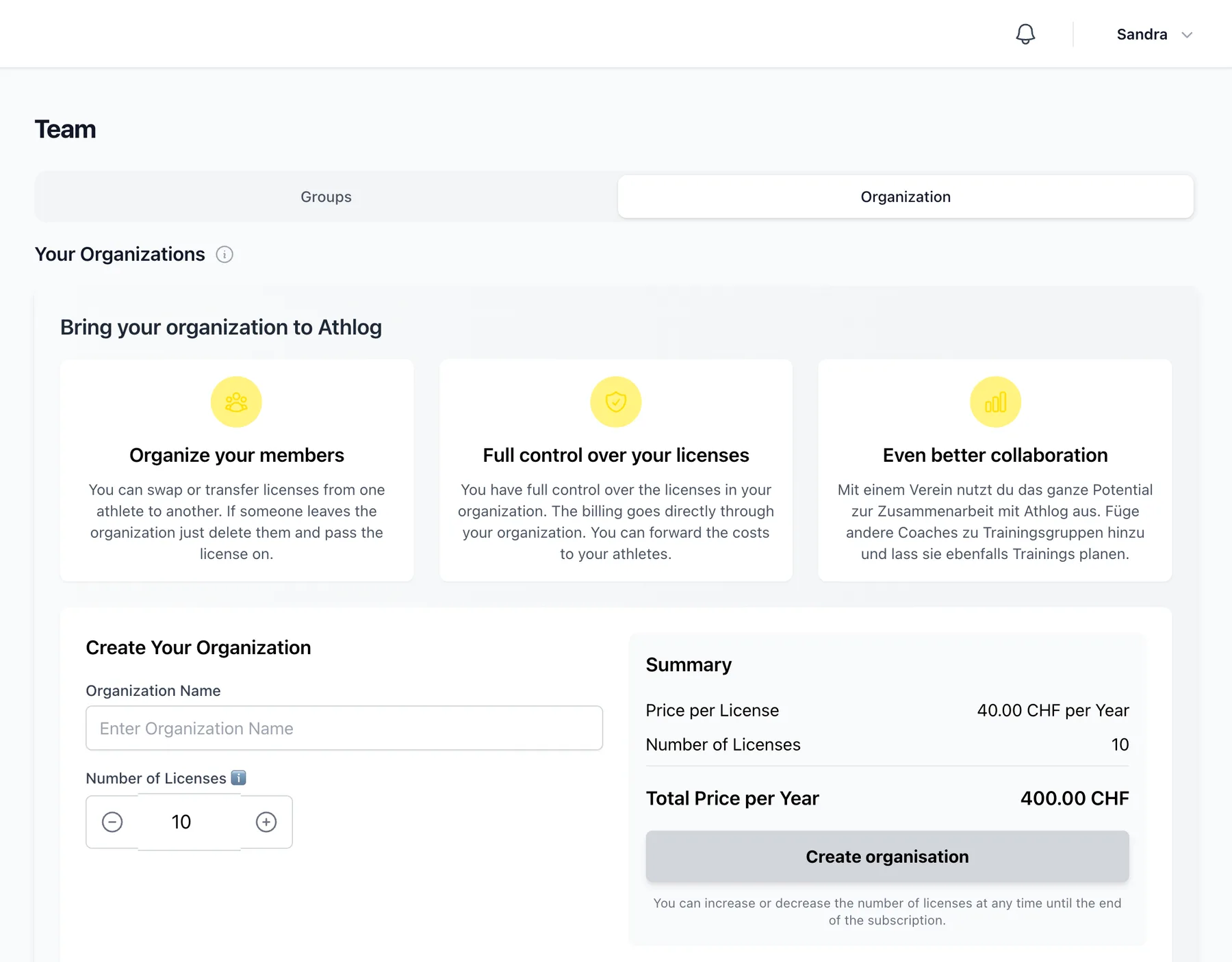
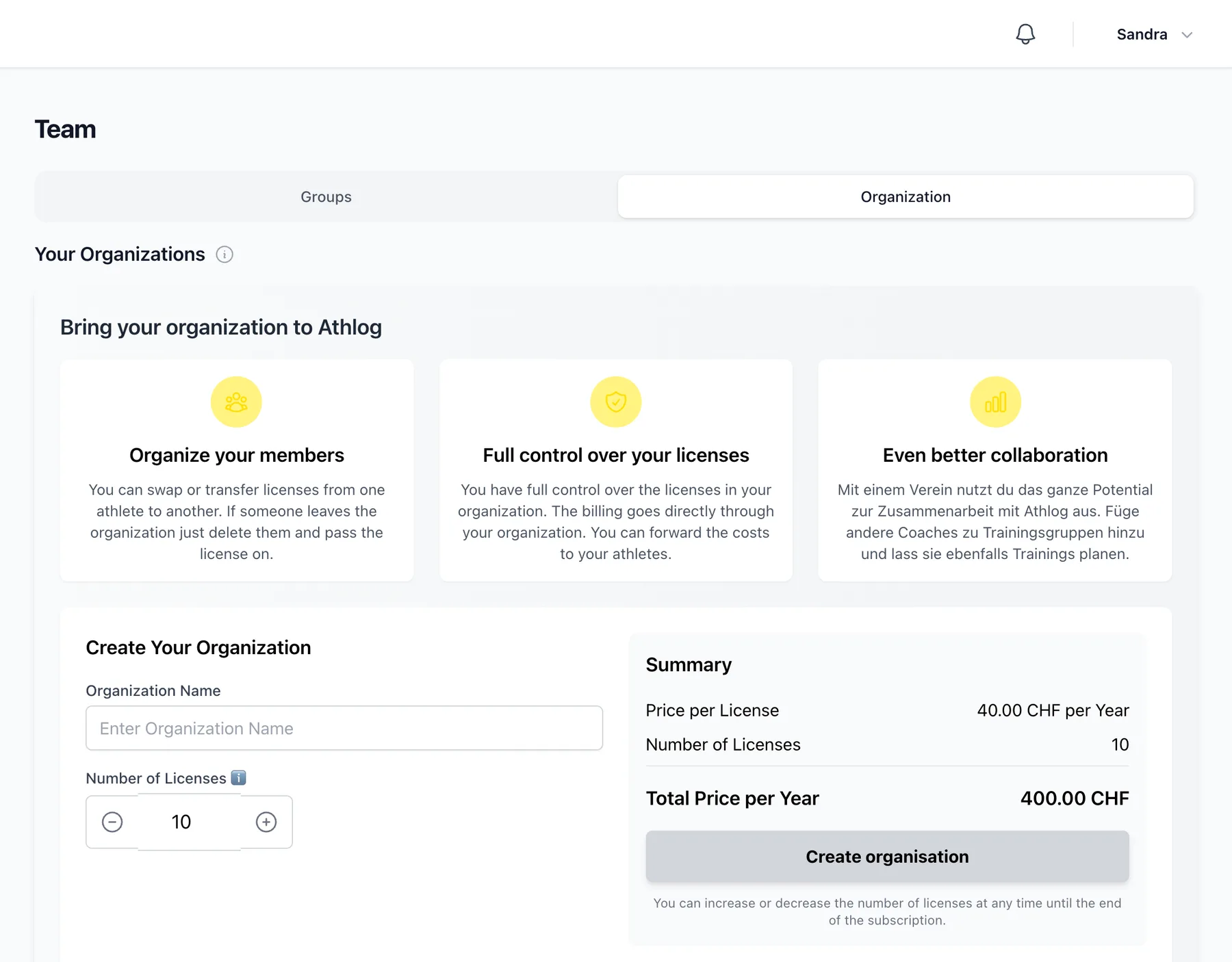
Enter your club's name and licenses
Enter the name of your club and how many athlete licenses you need, then pay by card. You'll be the organization's admin. You can change the number of licenses at any time.
Invite your members
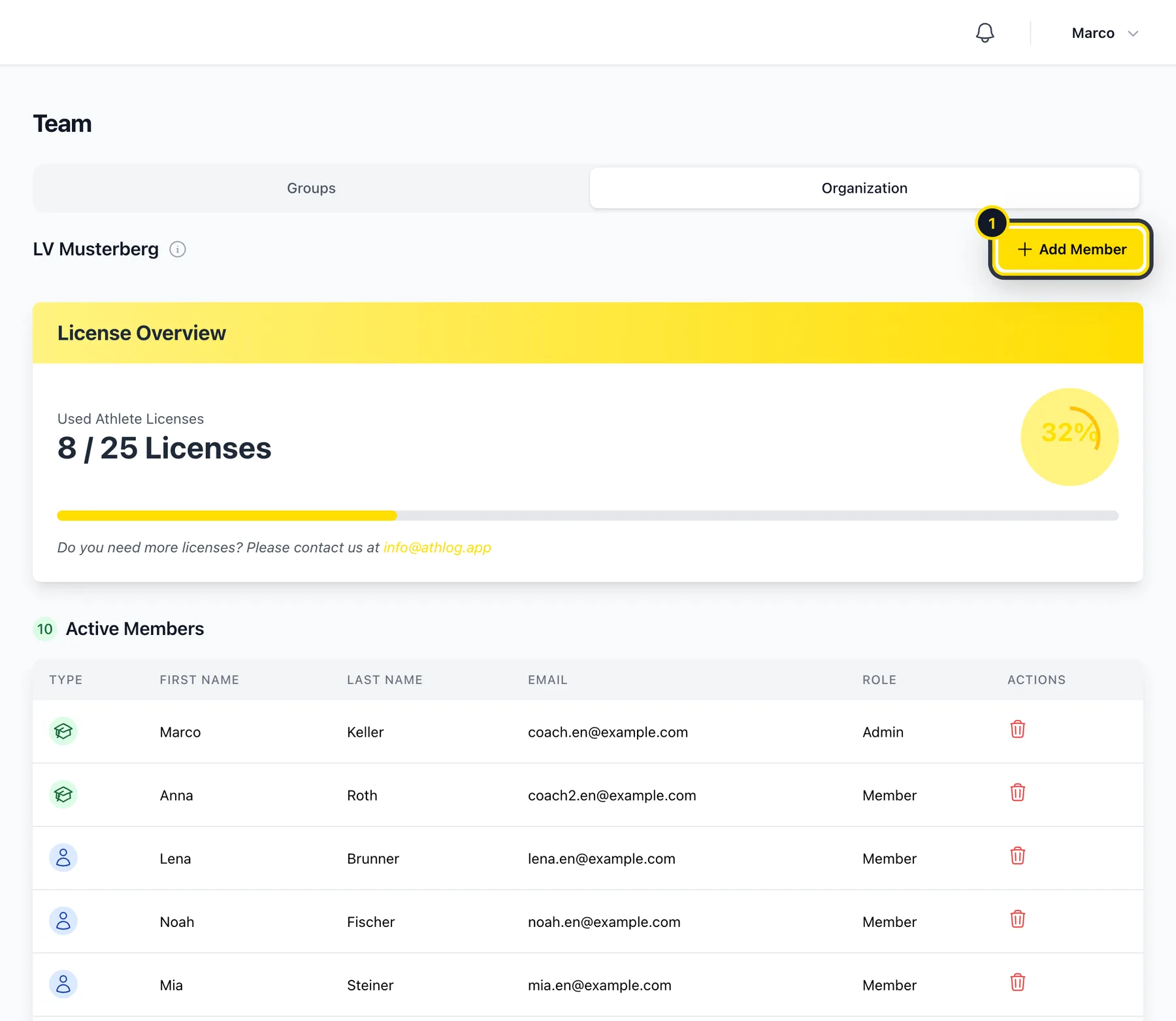
Open the invitation dialog
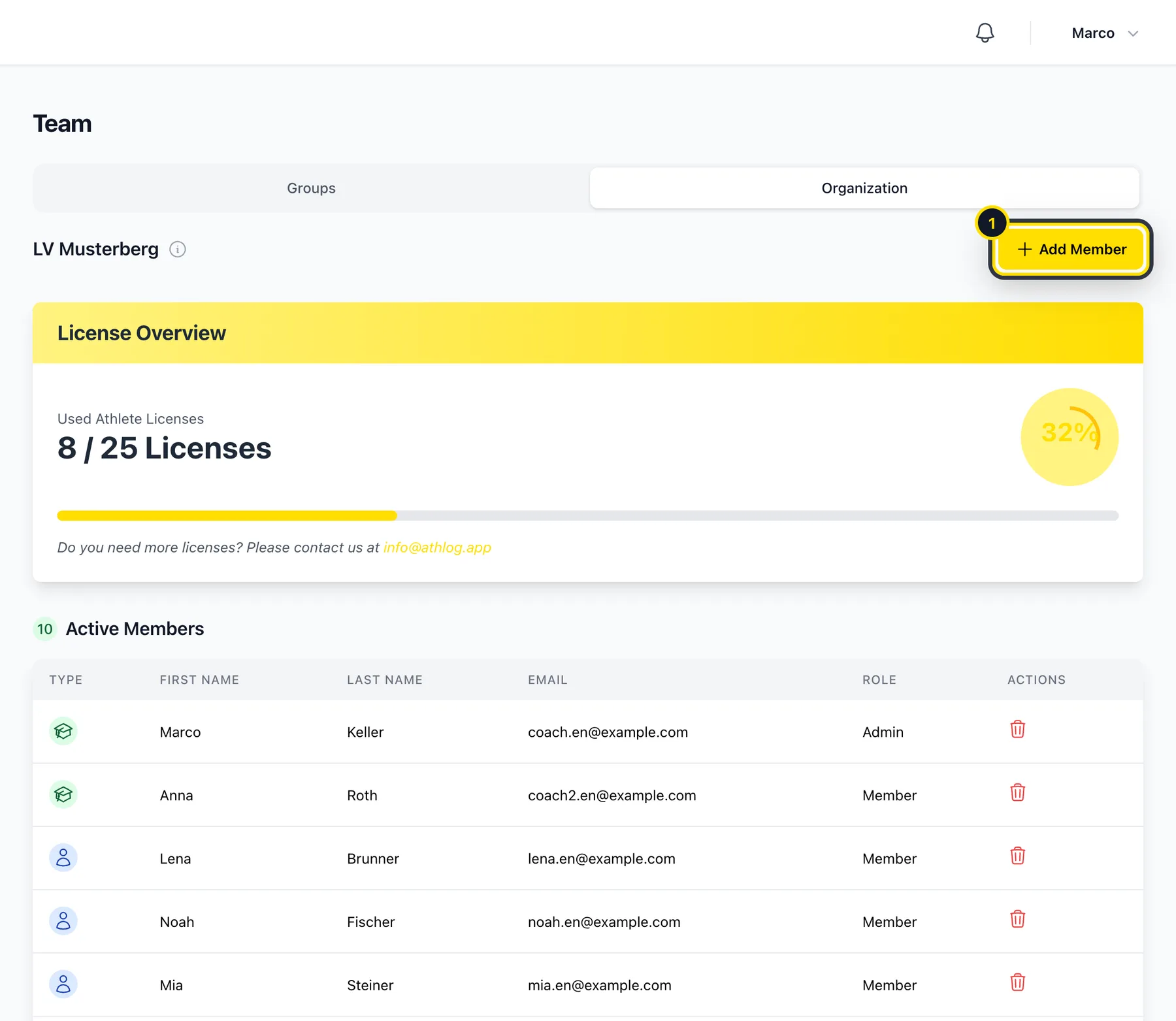
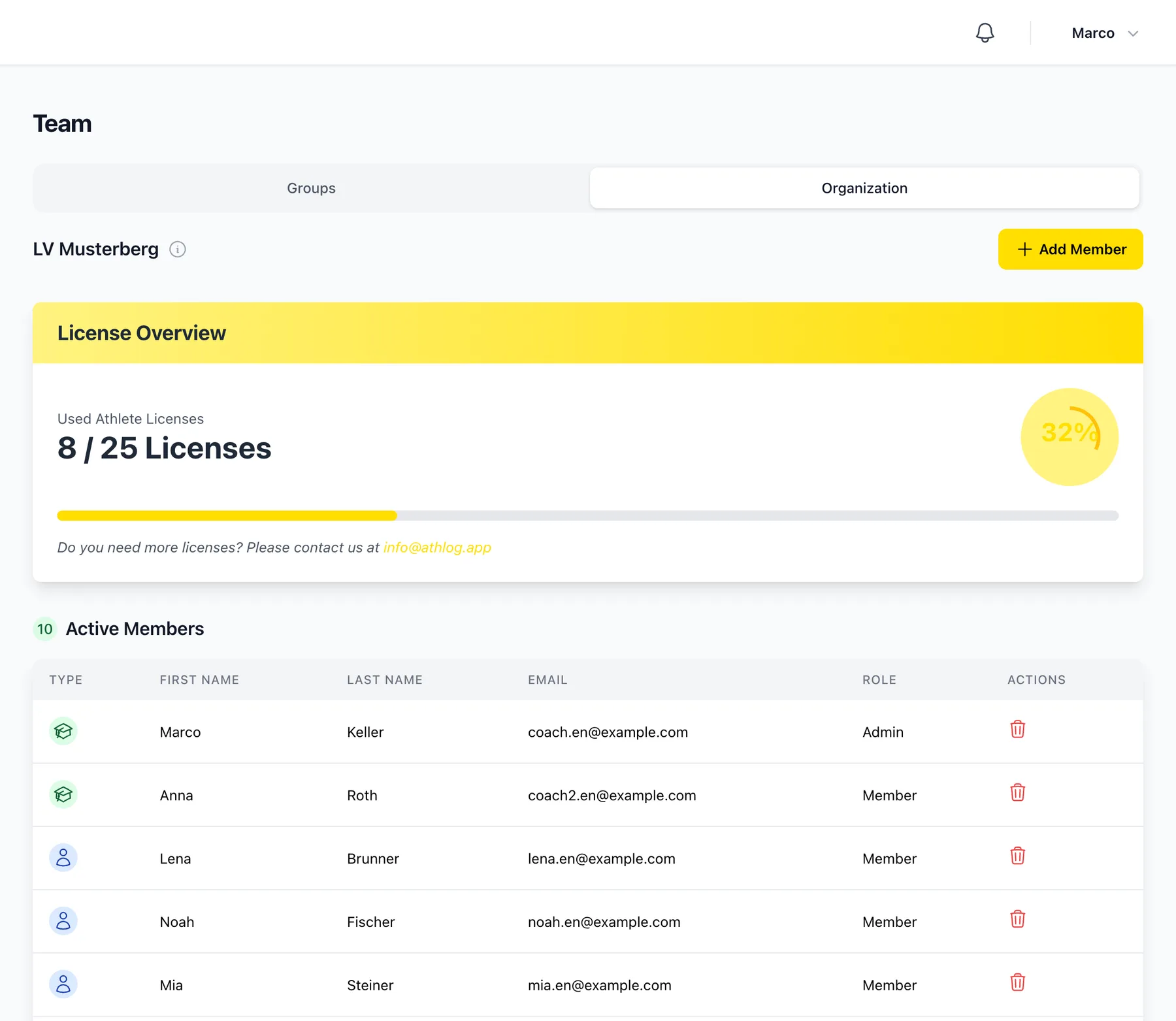
In Team → Organization, click Add Member (1). Only admins can invite people.
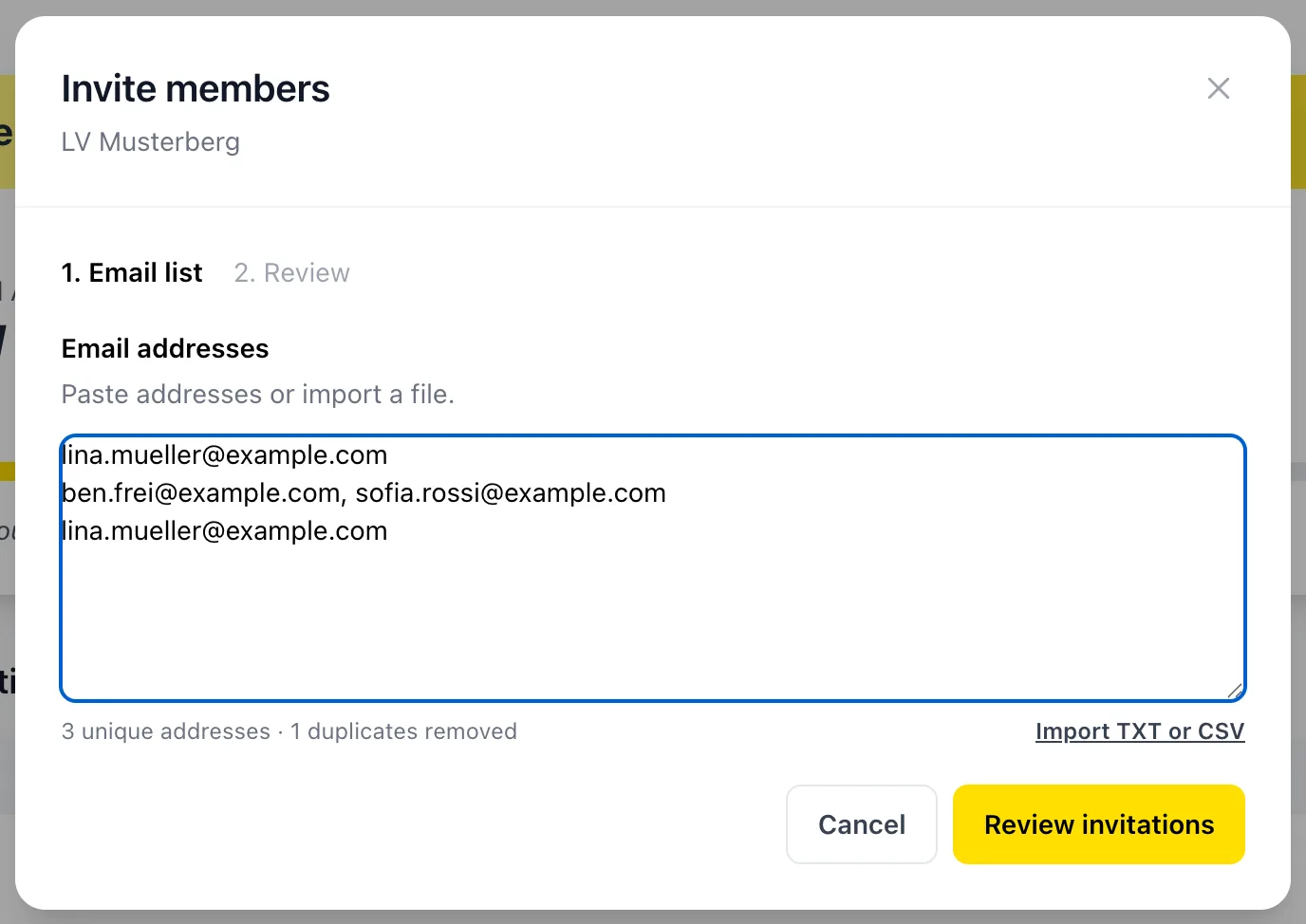
Paste the email addresses
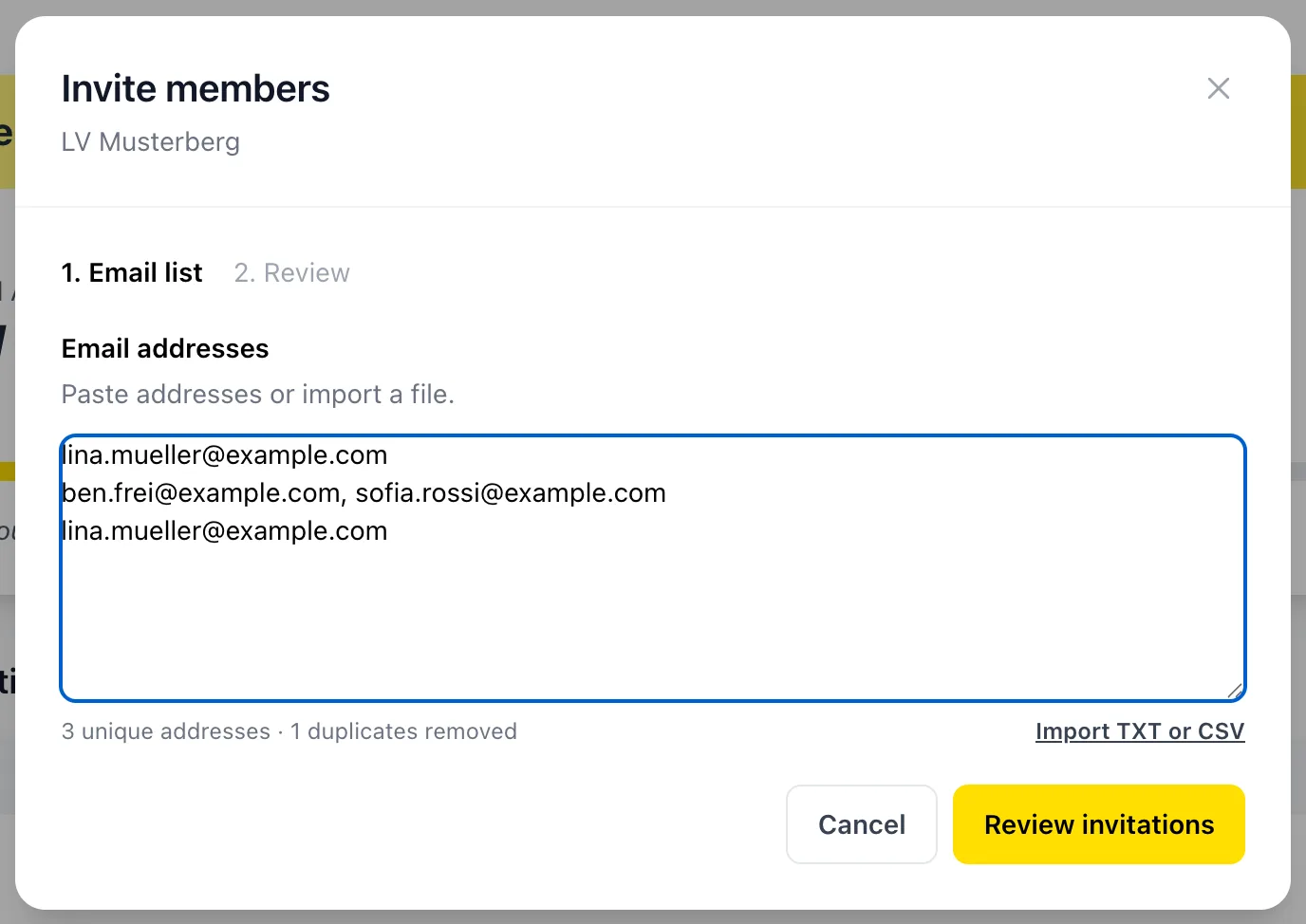
Paste all the addresses at once, one per line or separated by commas, or import a TXT or CSV file. Athlog removes duplicates and flags anything that isn't a valid address.
Check and send
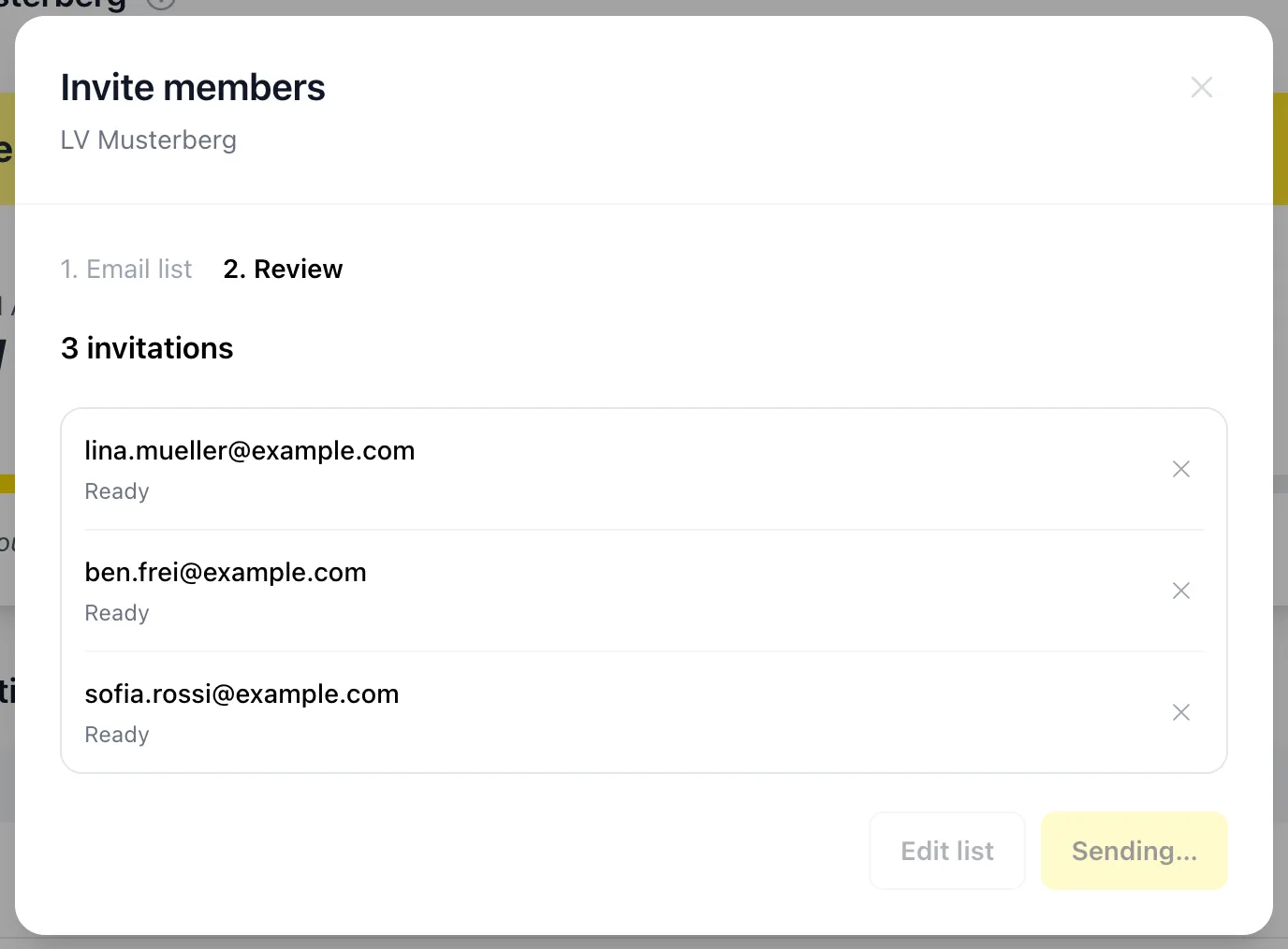
Click Review invitations to see who's ready, who's already been invited and who's already a member. When you send the invitations, everyone gets an email with a link to join.
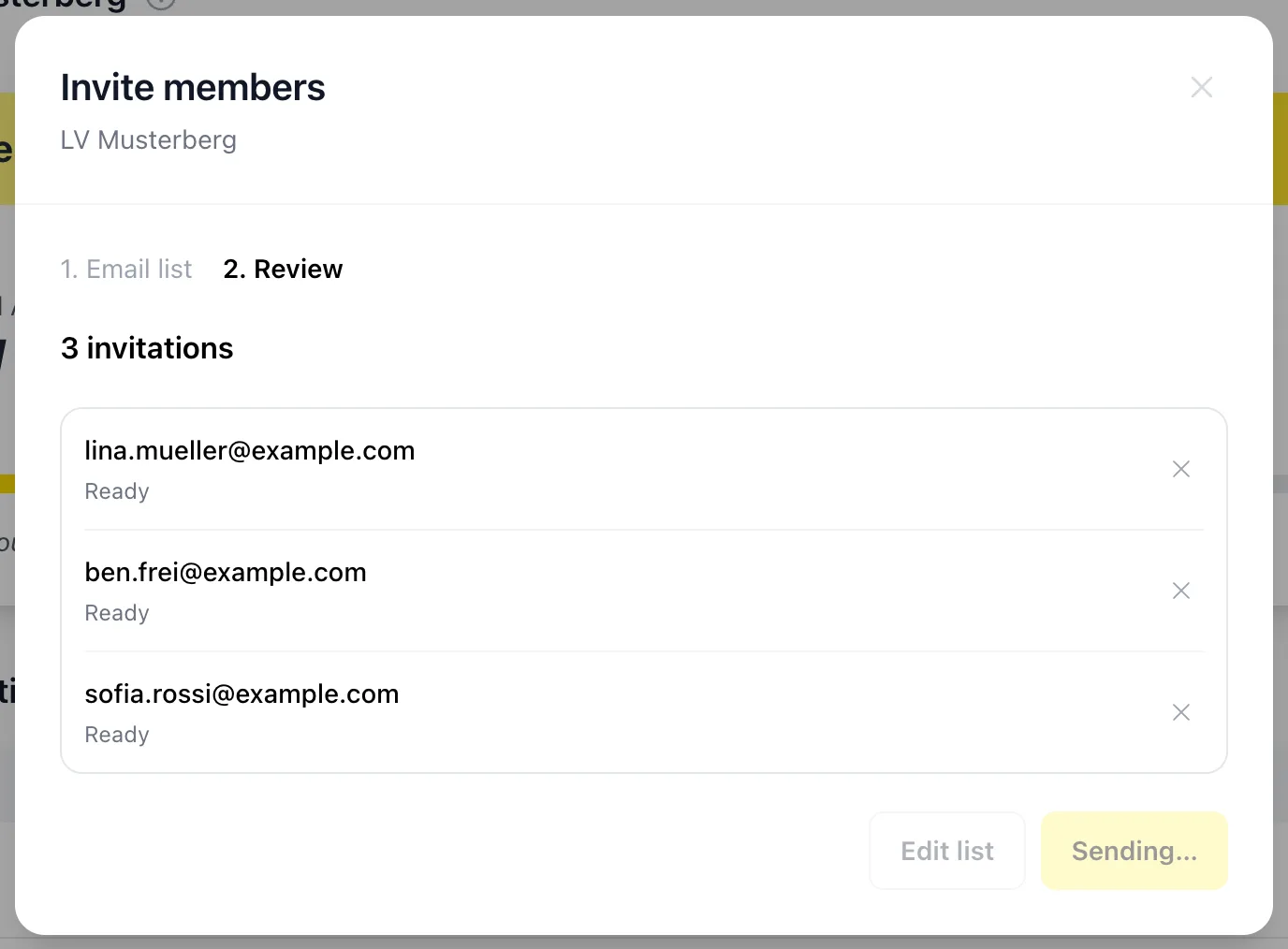
Once someone joins, they're connected with everyone else in the club: athletes with all coaches, coaches with all athletes. Before coaches join, Athlog shows them what they'll be able to see.
Once your organization is set up, the same tab shows your members, open invitations and how many licenses are in use.
Roles and licenses
- Admins invite and remove members and manage licenses and billing.
- Members use Athlog as usual. Coaches plan and see their athletes, athletes use Athlog through the club license.
- When an athlete leaves, remove them and their license is free for someone else.
Didn’t find what you were looking for?
Send us an email. We usually reply the same day.