Coaches · 2 min
Share files in the Media Hub
Keep technique videos, plans and documents in one place and attach them to sessions, workouts and goals.
Updated October 23, 2026
The Media Hub is where you keep your files: technique videos, training plans as PDFs, photos from the last competition. Upload a file once and attach it wherever you need it.
Upload your files
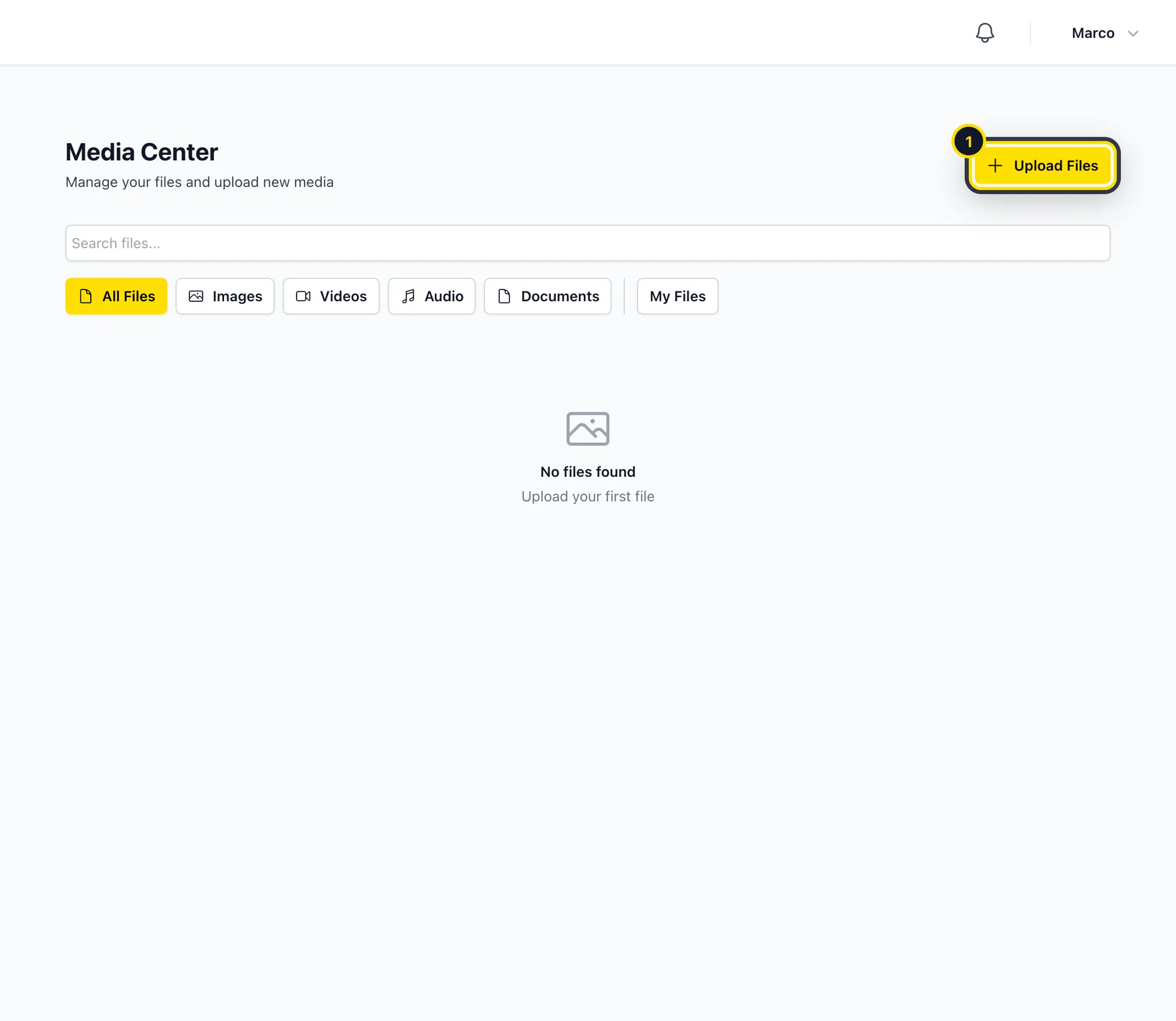
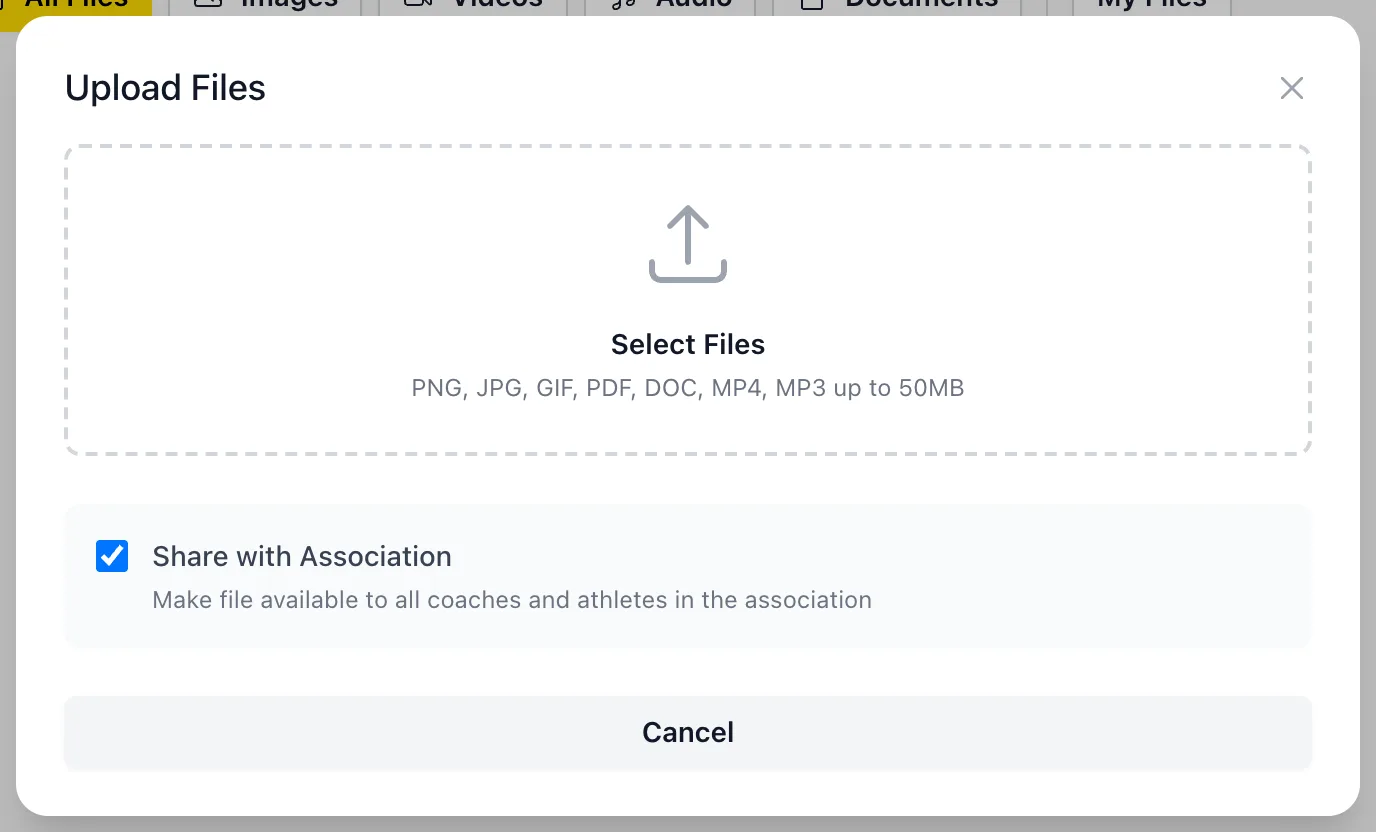
Open Media Hub and click Upload Files (1). You can upload images, videos, audio and documents (PNG, JPG, GIF, PDF, DOC, MP4, MP3) of up to 50 MB each.
Share them with your club
Turn on Share with Association if all the coaches and athletes in your organization should be able to use the file.
Attach them to a session
When you create a session, workout or goal, open Do you want to attach files? and choose the files. Your athletes can open them right from the session.
Good to know
- Use the filters to show only images, videos, audio or documents, or only your own files with My Files.
- You can only delete files you uploaded yourself.
Didn’t find what you were looking for?
Send us an email. We usually reply the same day.