Coaches · 3 min
Connect with your athletes
Your athletes invite you from their app. Here’s how that works, how you accept and what they can keep private.
Updated October 23, 2026
In Athlog, athletes decide who sees their data. That's why the invitation comes from the athlete, not from you. Once they've invited you and you've accepted, you can plan their training and read their journal.
If you coach for a club, there's a quicker way: the club admin invites everyone by email and coaches and athletes are connected automatically. See Set up your club.
How your athletes invite you
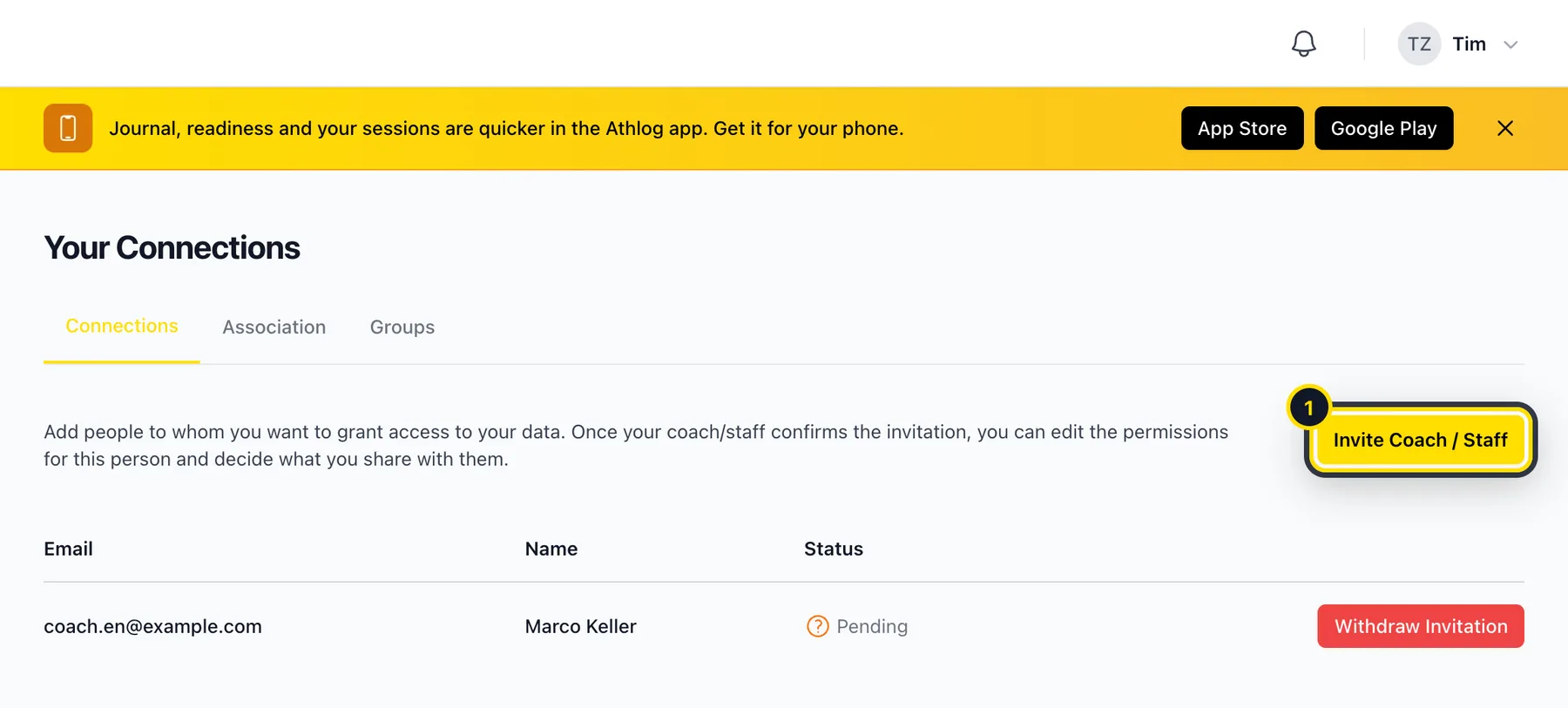
The athlete opens Connections
In the app or on the web, they go to Connections and tap Invite Coach / Staff (1). It's easiest to send your athletes a link to this page.
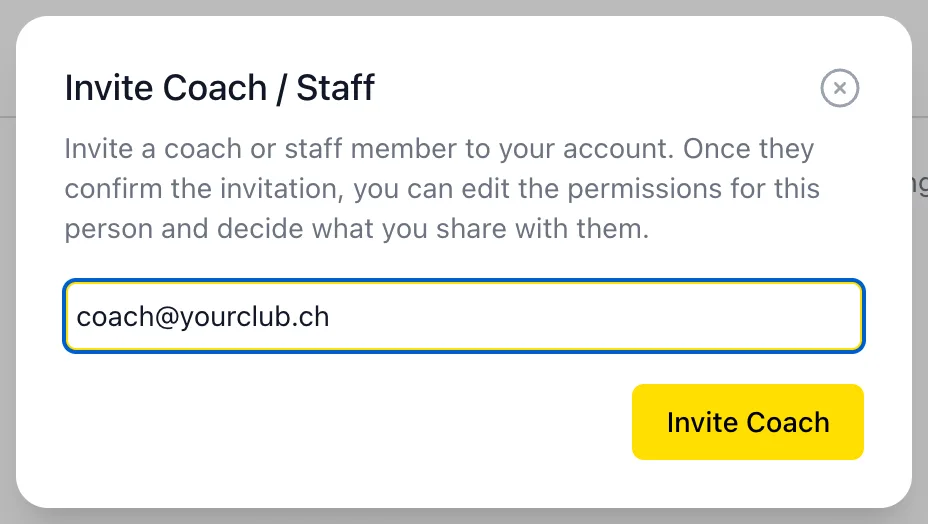
They enter your email address
It has to be the address you use for Athlog. If you don't have an account yet, you'll get an email with a link to sign up as a coach.
You accept on your dashboard
New invitations show up under Athlete Invitations at the bottom of your dashboard. Click the green check mark.

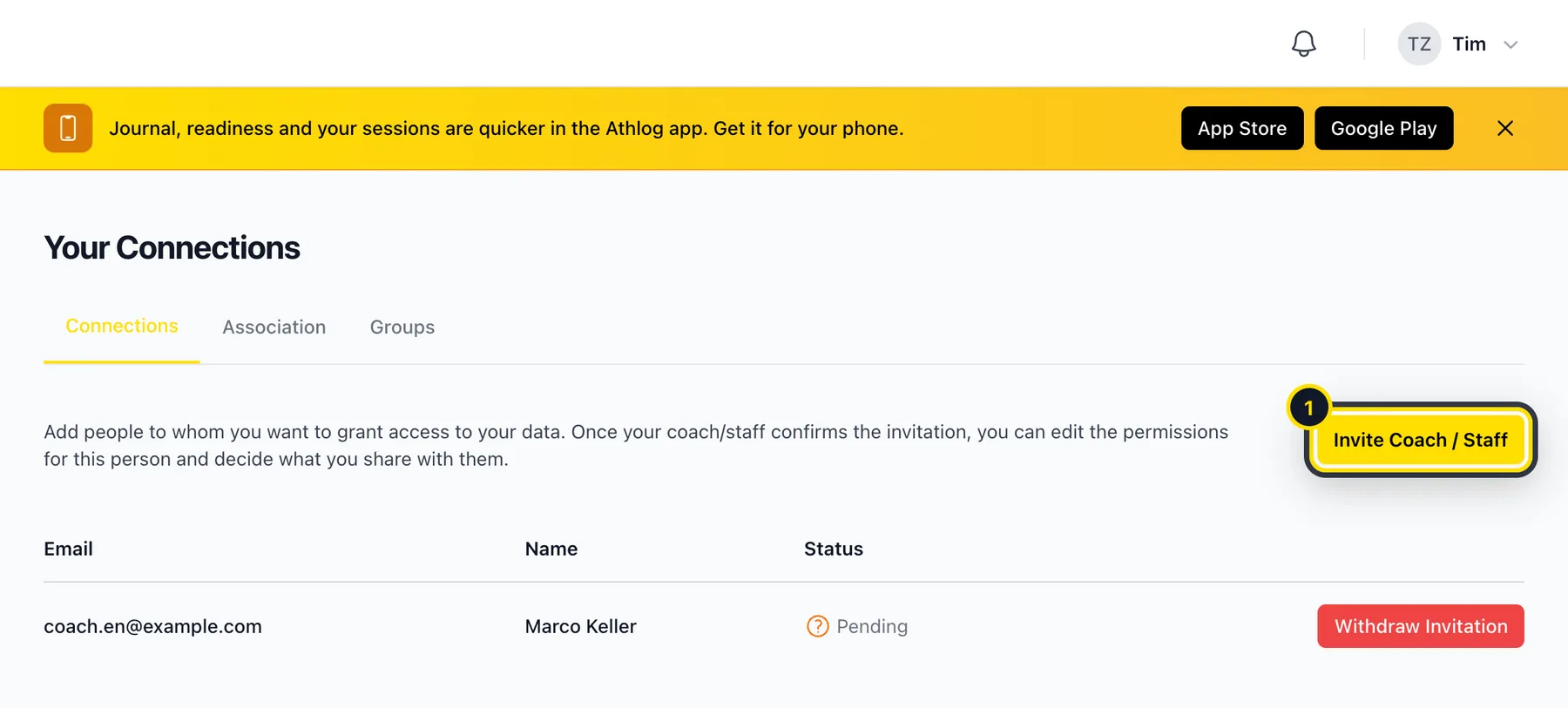
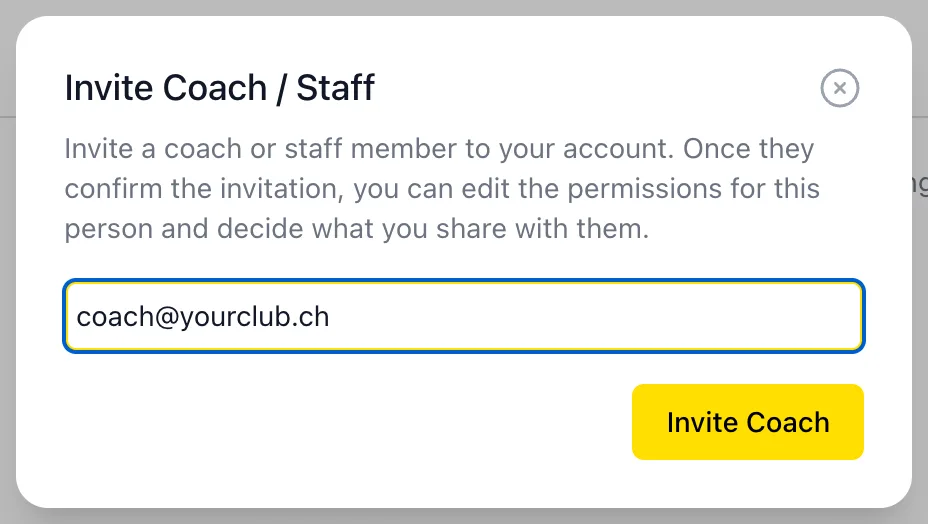

That's it. The athlete now appears under My Athletes and you can add them to your groups.
What you can see
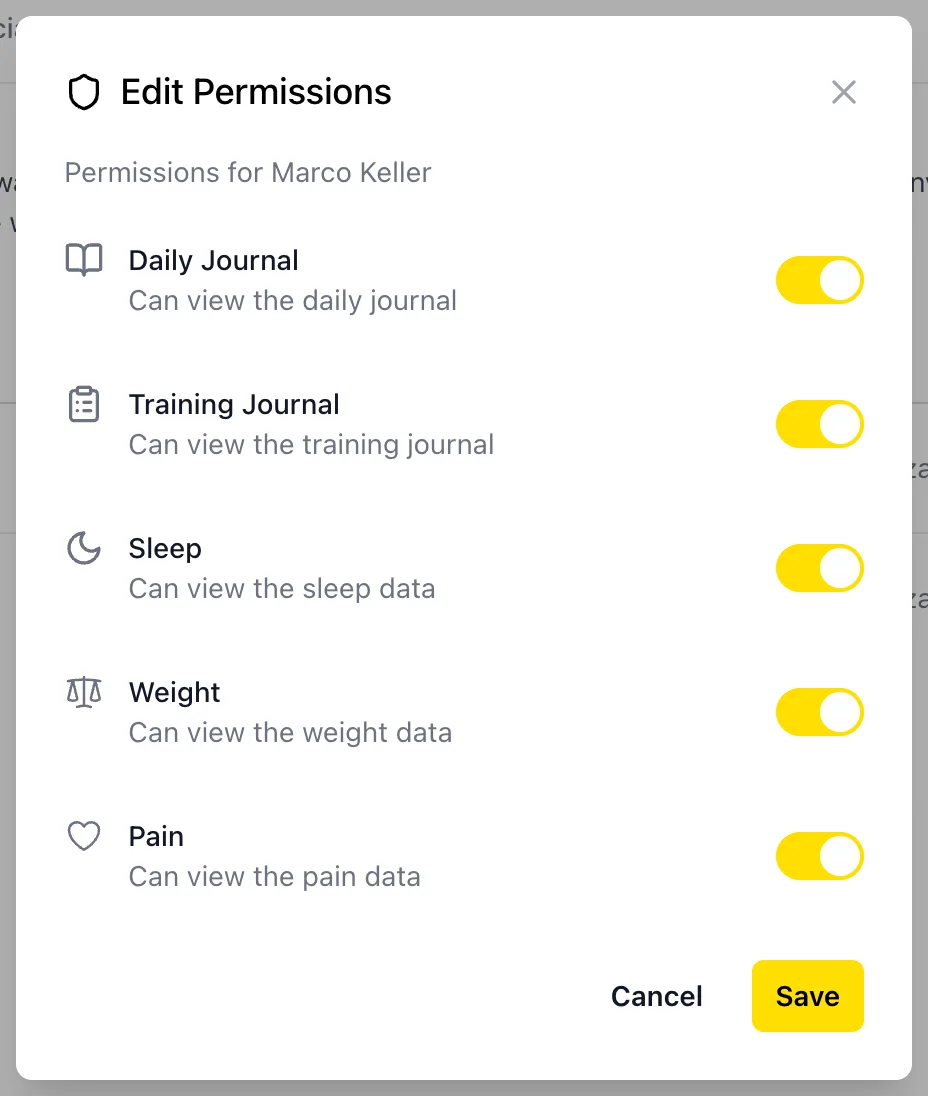
Athletes can choose exactly what they share with each coach. In Connections they open Edit Permissions and switch individual areas on or off: daily journal, training journal, sleep, weight, pain and menstrual cycle. If something is missing for one of your athletes, this is usually why.
Removing a connection
Open the athlete from your dashboard and click Remove Connection. You'll lose access to all of their data. If you were connected through a club, you can't remove the connection yourself. The athlete would need to leave the organization or change their permissions.
Didn’t find what you were looking for?
Send us an email. We usually reply the same day.