Athletes · 2 min
Give your coach access
For athletes: how to invite your coach, choose what they can see and remove access again.
Updated October 23, 2026
Your data belongs to you. Your coach can only see your plan and journal after you've invited them, and only the parts you choose to share.
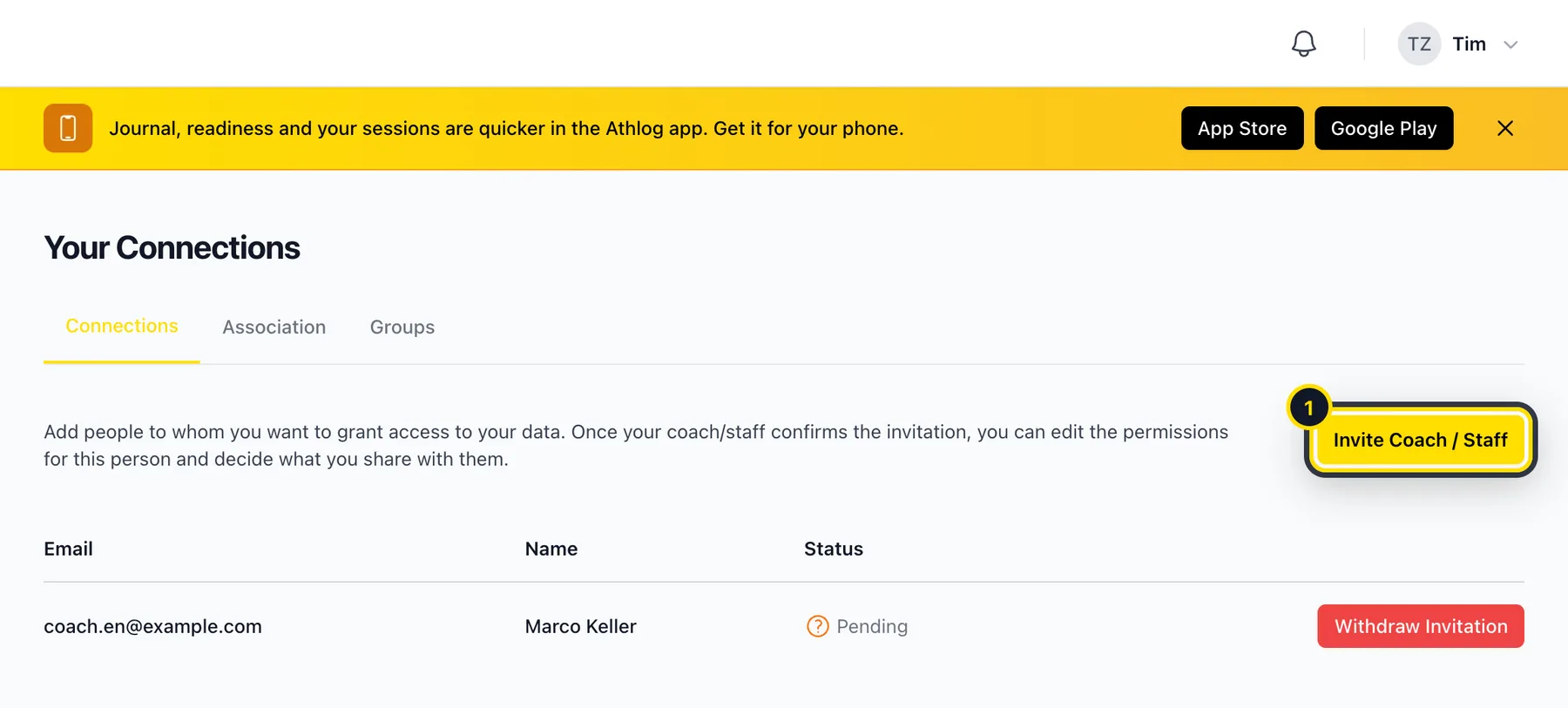
Open Connections
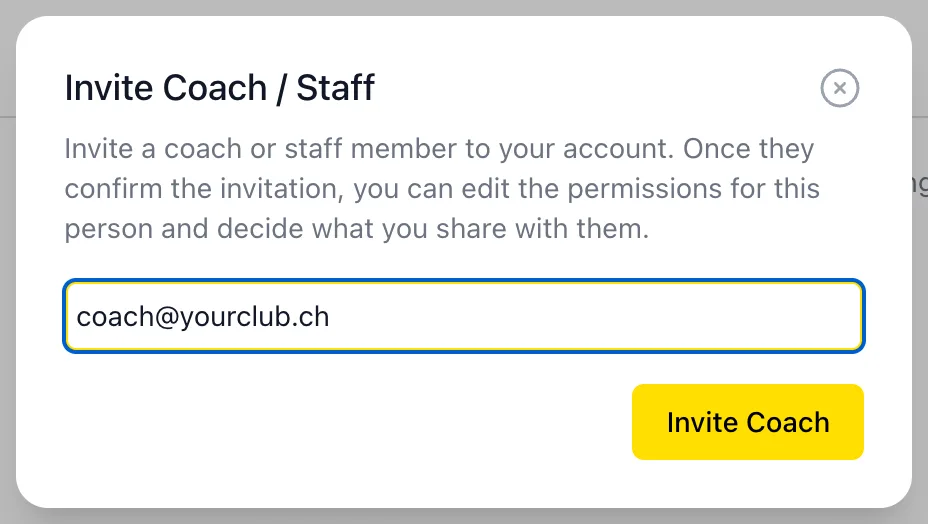
In the app or on my.athlog.app, go to Connections and tap Invite Coach / Staff (1).
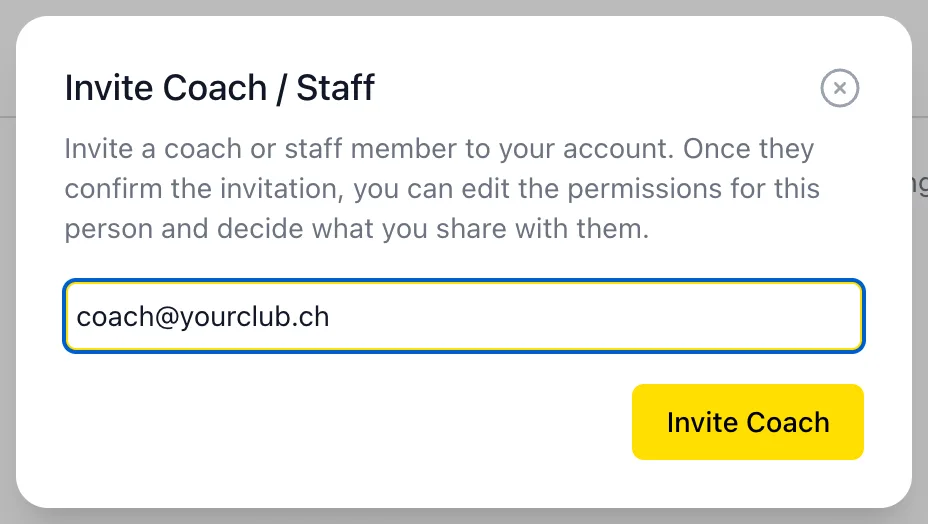
Enter your coach's email address
Your coach gets an email. If they don't use Athlog yet, they can sign up as a coach for free. The invitation is valid for 14 days.
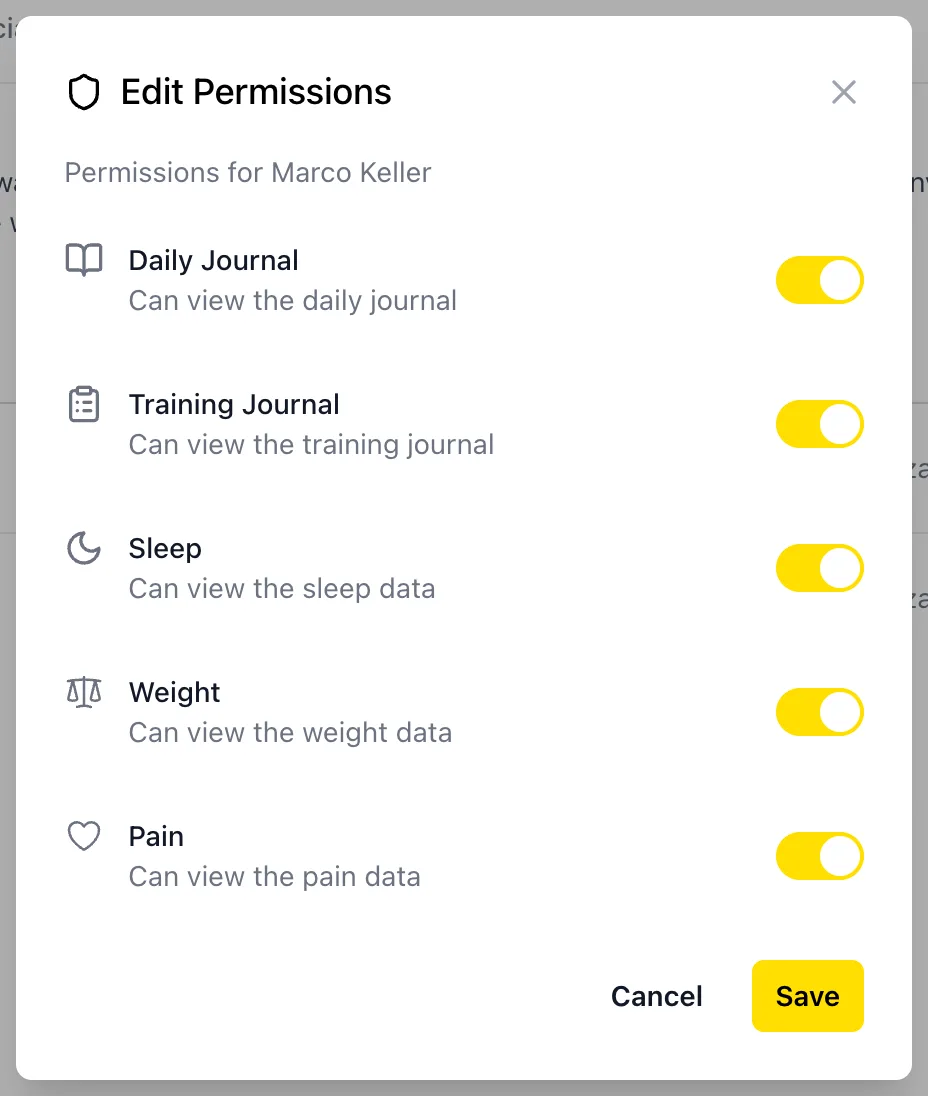
Choose what your coach sees
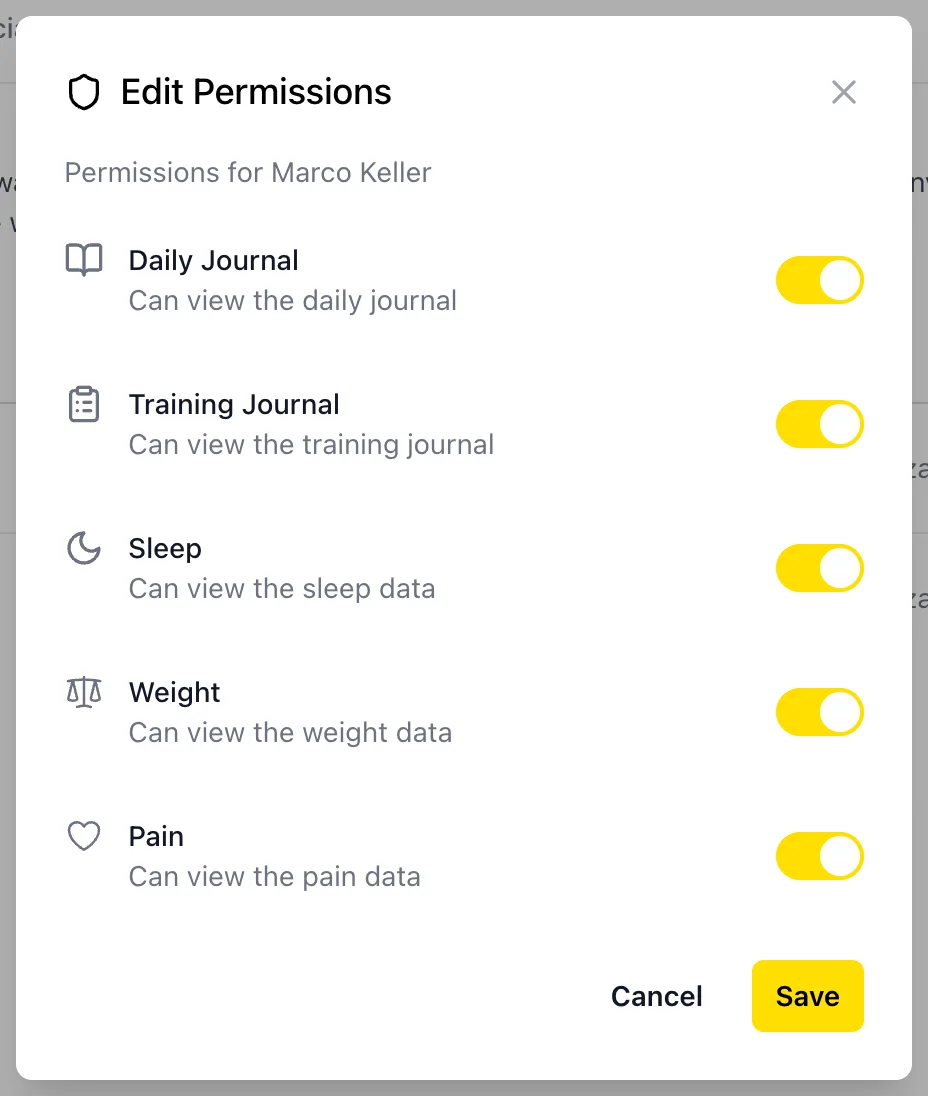
Once your coach has accepted, tap Edit Permissions next to their name. You can switch off anything you'd rather keep to yourself: daily journal, training journal, sleep, weight, pain or menstrual cycle.
If your club uses Athlog
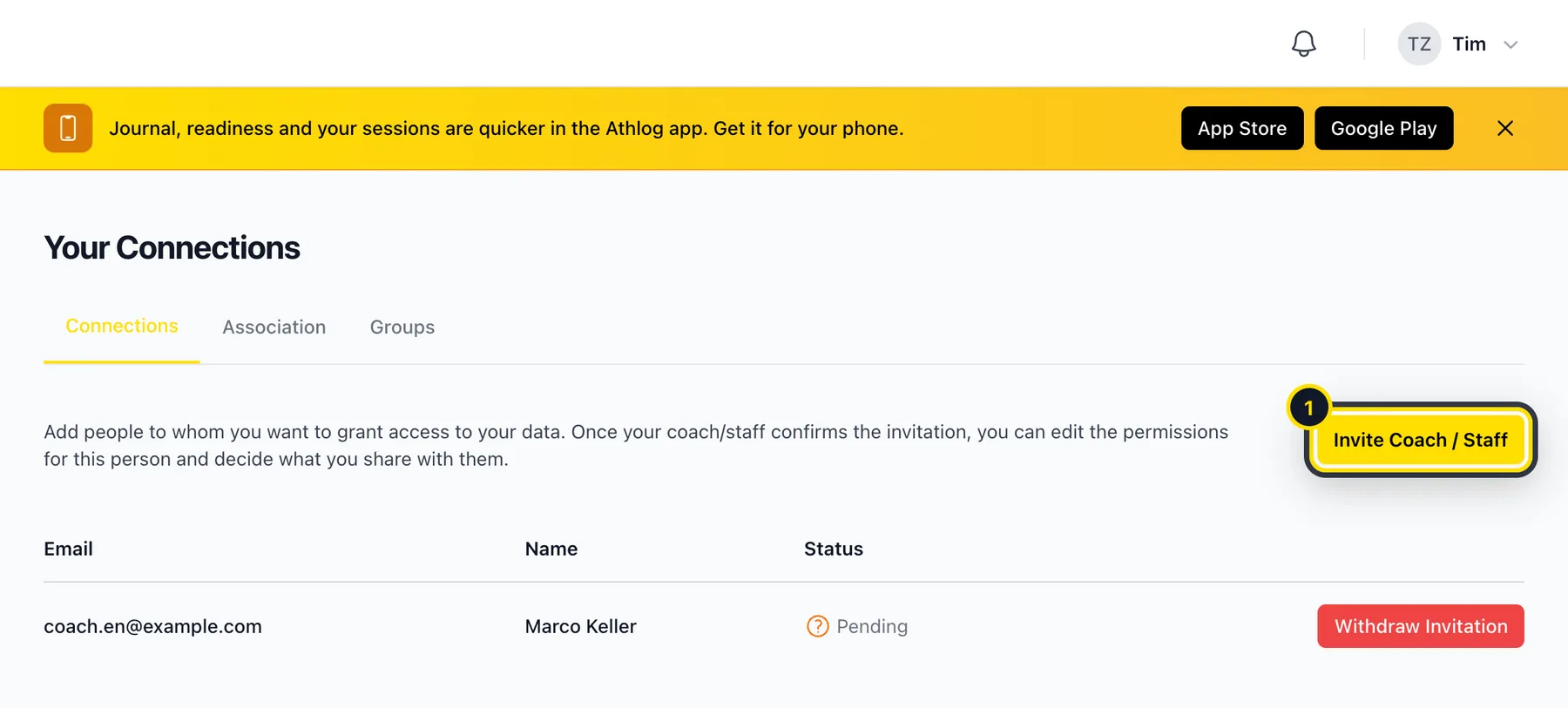
When you join your club's organization, you're connected with its coaches automatically. You can still choose what each of them sees under Edit Permissions.
Removing access
In Connections, tap Remove next to the coach. They lose access to your data straight away.
Didn’t find what you were looking for?
Send us an email. We usually reply the same day.