ACWR Explained for Coaches: How to Calculate It, Interpret It, and Adjust Training
Published Updated
These are educational coaching guides, not medical advice. Monitoring does not predict or prevent an individual injury. Treat numerical examples as illustrations, not validated safety thresholds. Seek qualified healthcare advice for persistent pain, illness or unexplained fatigue.
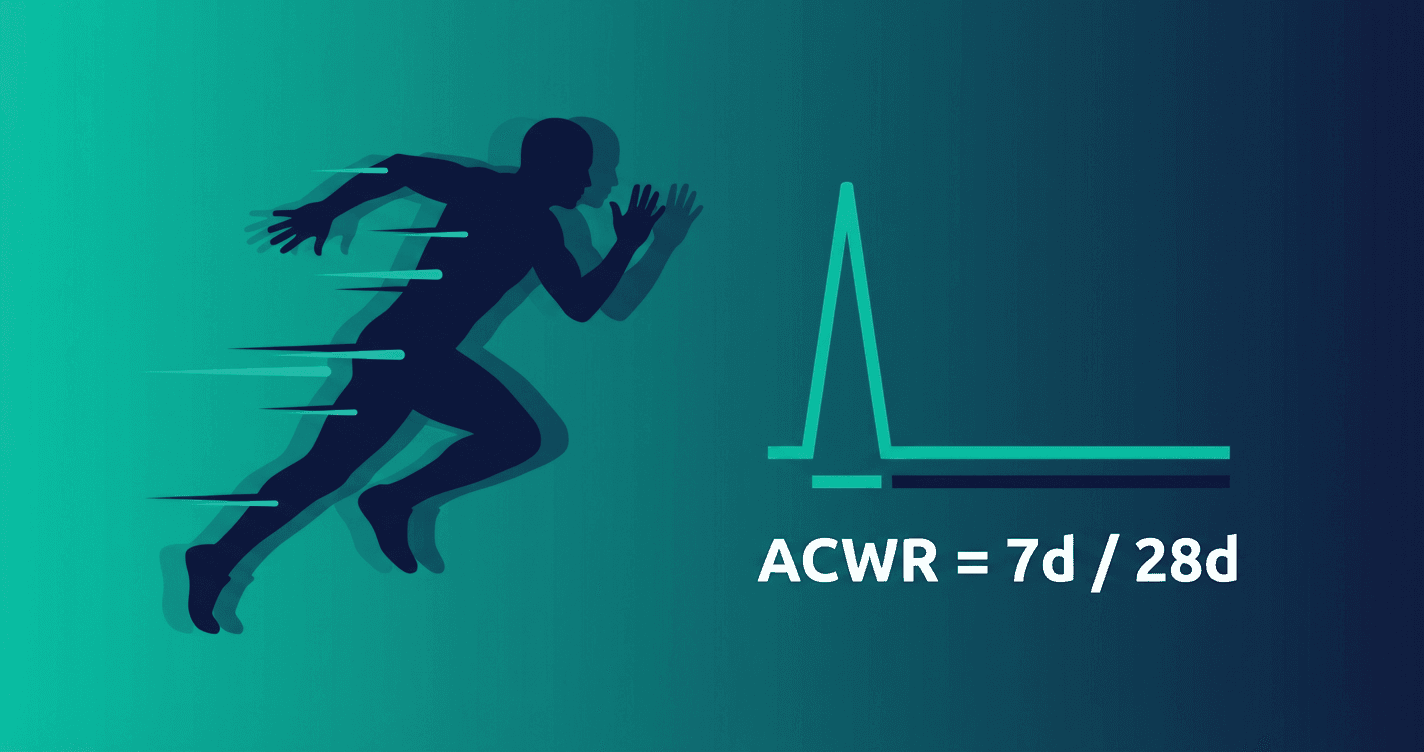
Training load management gets weird fast: spreadsheets, wearables, opinions, and the occasional “we’ve always done it like this.” ACWR cuts through that.
ACWR (Acute:Chronic Workload Ratio) is a simple way to compare what an athlete has done recently to what they’ve done consistently. Think of it as a spike detector.
It won’t “predict injury.” But it will help you catch the classic setup for problems:
a big week that the athlete’s recent baseline didn’t prepare them for.
This post explains how to calculate ACWR with minimal admin, how to read it with context, and what to adjust when it climbs.
What ACWR means (plain English)
ACWR compares two time windows:
- Acute load = short-term load (commonly 7 days)
- Chronic load = longer-term baseline (commonly 28 days)
ACWR = acute load / chronic load
If the last week is much harder than the recent baseline, the ratio rises — that’s your “spike” signal.
How to calculate ACWR (without wearables)
1) Choose one load metric you can capture consistently
A practical default is session load = sRPE × minutes:
- after a session, ask for RPE (1–10)
- multiply by session duration (minutes)
Example:
- 60 minutes at RPE 7 → 420 load units
Do this for every session (including strength, conditioning, and sport-specific work).
2) Compute acute and chronic load
A simple, coach-friendly approach:
- Acute (7d) = sum of the last 7 days’ session loads
- Chronic (28d) = average weekly load over the last 28 days
- easiest: (sum of last 28 days) ÷ 4
3) Divide
Example numbers:
- 7d load = 2,800
- 28d total = 9,600 → chronic weekly average = 2,400
ACWR = 2,800 / 2,400 = 1.17
How to interpret ACWR (and what it is not)
The ratio describes the chosen training-load windows; it does not measure tissue capacity. There is no validated universal “safe zone” at 0.8–1.3 or injury threshold at 1.5. Impellizzeri et al. (2020) explain the methodological problems with using ACWR to prescribe injury-prevention changes.
Here’s the important part: ACWR is a conversation starter, not a traffic light.
When ACWR is high, ask:
- was the spike planned (camp, race week, return-to-play step)?
- is the athlete showing warning signs (sleep, mood, soreness, pain)?
- is the spike driven by volume, intensity, or impact?
- is it a one-off, or happening every week?
Common pitfalls (and how to coach around them)
Pitfall 1: inconsistent data
ACWR only works if your “load” number is captured the same way most days.
Practical fix:
- standardize the RPE question (same wording)
- be consistent about what sessions count
Pitfall 2: identical load ≠ identical stress
Two sessions can score similarly but stress the body differently (e.g., hills vs flat, contact vs non-contact, hard surface vs soft).
Practical fix:
- track pain/niggles and 1–2 context notes (surface, shoes, travel, strength)
Pitfall 3: chronic load isn’t “fitness”
Chronic load describes what someone did, not what they can safely tolerate.
Practical fix:
- pair ACWR with wellness/readiness and coaching judgment.
What to do when ACWR is high (simple adjustments)
A high ratio usually means “reduce the spike,” not “stop training.” Options that work in real life:
- Trim volume ~10–30% for 3–7 days (keep short intensity touches if appropriate)
- Avoid stacking hard days (spread stress across the week)
- Swap one high-impact session for lower-impact conditioning / technical work
- Treat recovery like a session (sleep, nutrition, stress)
A practical red-flag rule
Ask about persistent changes in sleep, energy, mood, soreness or pain regardless of the ratio. There is no validated two-symptom or 2–3-day rule here. Discuss the context with the athlete; persistent pain, illness or unexplained fatigue needs qualified healthcare assessment.
Where Athlog fits
If athletes do just two things consistently:
- a daily wellness check-in (~30 seconds)
- session load (RPE × minutes)
…you can see spikes, connect them to context, and keep the conversation grounded in data instead of vibes.
Athlog is built to replace the “spreadsheet + WhatsApp + guesswork” loop with one place for:
- workload trends and spikes
- wellness + pain signals
- notes attached to the training that caused the signal
Quick recap
- ACWR compares this week to a recent baseline
- use it to catch spikes, not to label athletes
- always read it alongside wellness, pain, and context
Want to make this actionable for your group? Start with one week of consistent sRPE×minutes logging, then review ACWR together in your next coach meeting — you’ll immediately see where the “surprise spikes” come from.
Evidence and limitations
- Foster et al. (2001). A new approach to monitoring exercise training.
Original cycling and basketball experiments support session-RPE as a practical measure of training demand. They do not validate injury prediction or a universal safe load.
- Impellizzeri et al. (2020). Acute:Chronic Workload Ratio: Conceptual Issues and Fundamental Pitfalls.
This methodological paper challenges causal interpretations of ACWR. A ratio is descriptive; fixed “safe zones” and individual injury predictions are not established.